Fix KERNELBASE.dll Errors in Windows 10 and 11
A KERNELBASE.dll error may appear during a program crash or an unhandled exception message. Start by recording the exact error and what you were doing. A missing DLL, a procedure entry point error and an application crash can have different causes. The steps below help you distinguish them before making system changes.
What does KERNELBASE.dll do?
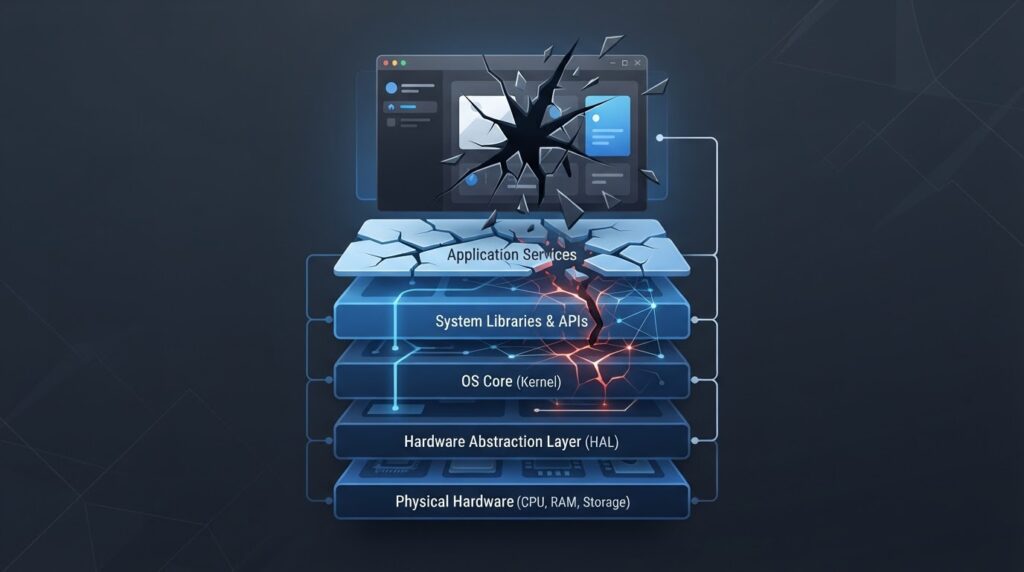
KERNELBASE implements many core Win32 functions used by applications. An exception reported here often originates in the application or another component rather than in the DLL itself.
1. Identify the failure and its scope
Look for 0xe0434352, which can indicate a managed .NET exception. If the event log contains a .NET Runtime event at the same time, read that event for the exception type and stack information. A native access violation needs a different investigation.
For a crash, press Windows + R, enter perfmon /rel and select the failure in Reliability Monitor. Record the application, faulting module, exception code and file path when available. A module name indicates where an exception was detected; the original cause may be elsewhere. For a launch error, save the full dialog including the application and dependency name. Do not run a program again if the file comes from an untrusted source.
2. Choose a targeted repair
Repair the affected application through its official installer and check the vendor's supported .NET or Visual C++ requirements. If it crashes after loading a particular project, test a blank project without overwriting the original. Do not reinstall every runtime indiscriminately.
Make one change at a time and repeat the same test after each change. Install legitimate updates from Windows Update or the software vendor, and save work before restarting. If an update is implicated, use a supported rollback or vendor fix rather than replacing individual DLLs. On a managed computer, follow your organization's support process.
3. Repair protected Windows components if indicated
If the error affects several unrelated programs or Windows itself reports a missing or corrupt system file, save important data and open Terminal or Command Prompt as administrator. Run the following commands separately, waiting for DISM to finish before starting SFC.
DISM.exe /Online /Cleanup-image /Restorehealth
sfc /scannow
DISM can repair the Windows component store; SFC checks protected system files. Restart if repairs were made. If either command fails, keep its exact error and use Microsoft's supported recovery options. If scans are clean and only one application fails, continue investigating that application rather than repeatedly running system-wide repairs.
How to verify the fix
Test launch, a blank project and the previously failing operation. If only one project or app fails, retain the relevant event details for support.
Frequently asked questions
Is KERNELBASE.dll safe to delete or replace? No. A legitimate Windows system file is part of a serviced operating system. A similarly named file in an unexpected download folder is not automatically legitimate; scan it with Windows Security and check its origin.
Will a registry cleaner solve this? No general registry cleaner can establish why a particular DLL failed or restore a compatible protected binary. Use the diagnostic evidence and official repair mechanisms.
What if the error returns? Record whether the exception, module path or affected program changed. Repeated failures in unrelated programs may justify broader stability diagnostics; consistent failure in one program is useful evidence for its support team.
Official references and related guides
Microsoft documentation for Windows APIs · Microsoft system file repair · application crash reports · Bad Image troubleshooting · PC Repair Atlas