Fix MSVCRT.dll Errors in Windows 10 and 11
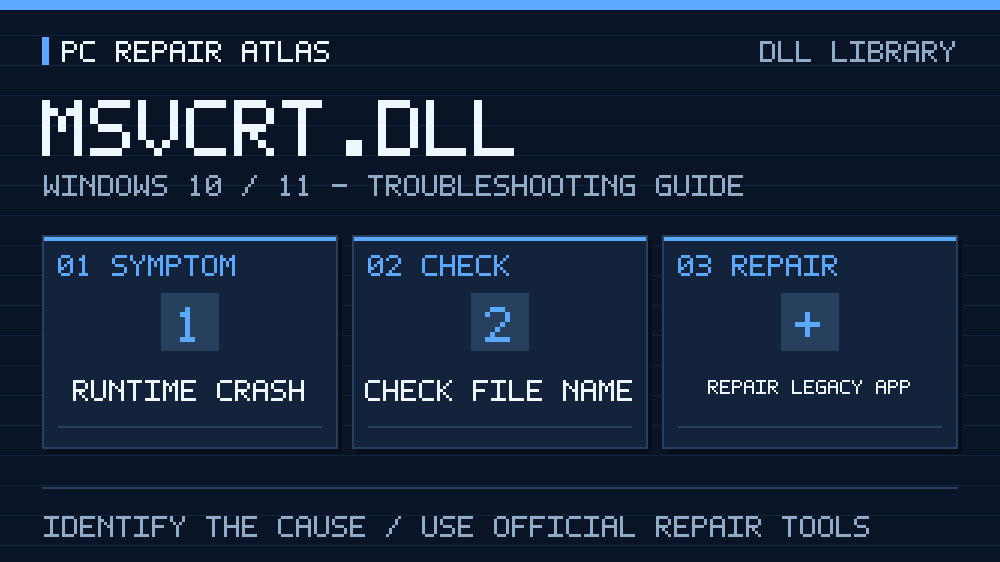
If MSVCRT.dll appears in an error while starting an older application or seeing a runtime-related fault, do not start by downloading a replacement file. First distinguish a load error, an incompatible application or a crash during an operation. A repair that helps one situation can be irrelevant in another.
What is MSVCRT.dll?
MSVCRT is a Windows-supplied legacy C runtime library. It is distinct from versioned redistributable files such as MSVCR120.dll and from the modern Universal CRT.
1. Identify the actual failure
Read the actual filename carefully. Installing a modern Visual C++ redistributable is not a guaranteed repair for an error specifically naming MSVCRT.dll. A faulting-module report may indicate that a legacy application passed an invalid argument or mismanaged memory.
Record the precise error and when it began, including the program version and whether it followed a Windows, driver or application update. For a crash, press Windows + R and enter perfmon /rel to open Reliability Monitor, then select the failure and review its technical details. Save the faulting module path and exception code if shown. A named module is not conclusive evidence of damage.
2. Apply the correct repair
Repair the specific application and check its operating-system compatibility. For an application asking for a different versioned C runtime, install the correct Microsoft redistributable rather than renaming MSVCRT. Use system repair only if Windows corruption is implicated.
Back up important files before changing software or drivers. Apply one supported change at a time, and retest the same action. Keep a note of what changed so that an unsuccessful repair can be reversed. If this is a managed PC, consult the administrator before changing organization-controlled settings.
3. Check Windows integrity if multiple components fail
If several unrelated applications fail, or Windows reports missing or damaged protected files, use the built-in repair tools. Save your work, open Terminal or Command Prompt as administrator and enter the commands separately. Wait for the first to complete before starting the second.
DISM.exe /Online /Cleanup-image /Restorehealth
sfc /scannow
DISM repairs the Windows component store and SFC checks protected system files. Restart if repairs are reported. A clean scan does not prove that an application, its runtime or driver is healthy. If repairs fail, record the exact output and consult Microsoft's recovery guidance instead of copying files from another computer.
Verify the repair
Start the legacy program, test a known-good input, and inspect the event log if the crash recurs.
Frequently asked questions
Can I download MSVCRT.dll from a DLL website? Avoid individual third-party downloads. A file can be incompatible, tampered with or missing its companion components. Use the official installation or servicing mechanism for the software that owns it.
Will registry cleaning fix this error? Not reliably. Removing registry entries does not restore the correct binary or its dependencies. Follow the error details and official repair options.
When should I contact support? If the error remains in a single app after a supported repair, send its developer the exact message, OS build, app version and any relevant crash details. For broader system instability, consider Windows support or hardware diagnostics.
Official references and related guides
Official component documentation · Microsoft system file repair · Related PC Repair Atlas guide · Application error 0xc000007b · PC Repair Atlas