msvcr71.dll Errors in Windows 10 and 11: Safe Fixes
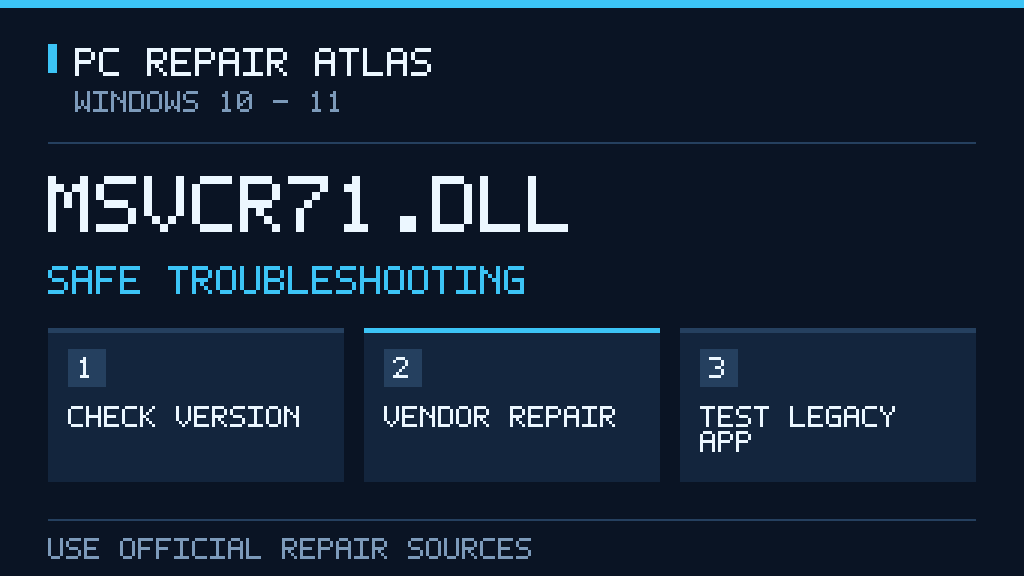
If an older program reports MSVCR71.dll missing or fails with a load error, start with the exact msvcr71.dll message. A missing DLL, a Bad Image error and a crash naming a faulting module are different problems. The following steps help you choose a repair without downloading individual DLL files from unknown sources.
What is msvcr71.dll?
msvcr71.dll is associated with the Visual C++ .NET 2003 C runtime used by legacy software. Its version belongs to an older application toolchain, not the current v14 redistributable family.
1. Identify the scope of the failure
Identify the program version and whether its original installer includes the file. The newest Visual C++ redistributable is not a universal installer for legacy runtime versions.
Note the exact program version, the full error and the Windows build (press Windows + R and run winver). If the problem began after an update or a mod installation, note the date. Back up saves and configuration before changing program files. A startup dialog may name a dependency of another library rather than the application's executable itself.
2. Restore the correct dependency
Repair or reinstall the application from its original trusted vendor, or request a supported build. Do not install an unknown standalone runtime file or remove other applications’ dependencies.
Microsoft's current redistributable download page documents the separate runtime families, but the original publisher must supply the appropriate legacy dependency for this program.
3. If the message changes
If the same program reports 0xc000007b or Bad Image, restore its original files rather than swapping 32-bit and 64-bit DLLs. Read the Bad Image repair guide. If the application starts but later crashes, open Reliability Monitor using perfmon /rel and record the application name, module path and exception code. The module named in a crash is not necessarily the root cause.
4. When to check Windows system files
If other unrelated Windows apps also fail or protected files are suspected, open Terminal as administrator and follow Microsoft's system file repair guidance. Run DISM first, then SFC. These tools do not install unrelated third-party or optional legacy dependencies.
DISM.exe /Online /Cleanup-image /Restorehealth
sfc /scannow
If either tool fails, record its exact output. Do not repeat scans indefinitely when the only affected program has a documented missing prerequisite.
Confirm the repair
Start the legacy program and open, save or export a representative file without changing other programs. If the exact error persists, send the publisher the collected diagnostics and installer results rather than changing more system files.
Frequently asked questions
Can I register msvcr71.dll with regsvr32? Not as a general fix. These runtime or graphics/audio dependencies are not intended to be repaired by arbitrary COM registration.
Will a registry cleaner solve a missing runtime? No. A cleanup utility does not install the required version of a library. Use the official prerequisite or application repair first.
Further reading
Microsoft component documentation · Related DLL repair guide · PC Repair Atlas
Identify the exact C or C++ runtime generation used by the older application; later versions do not necessarily replace it. Related guides: MSVCP71.dll troubleshooting; MSVCR90.dll troubleshooting; DLL Library. Official reference: Microsoft runtime distribution guidance.