How to Choose a CPU Cooler: Air vs Liquid (AIO)
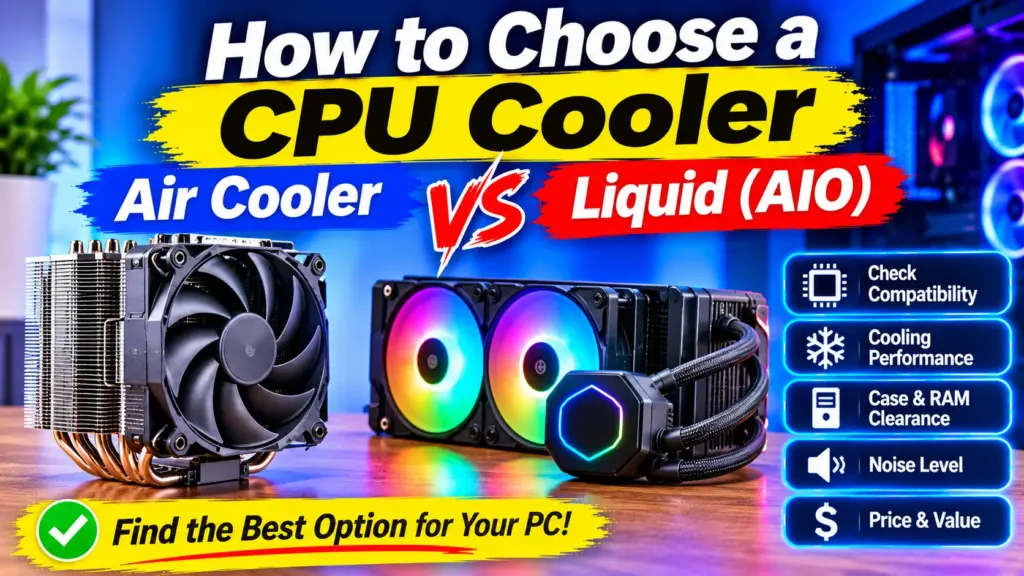
How to choose a CPU cooler comes down to three things: your processor's heat, the space in your case and your budget. A cooler keeps the processor at a safe temperature, and it also affects noise. The choice is between air coolers and all-in-one (AIO) liquid coolers. This guide shows how to check each point before you buy. It is for desktops: most laptop coolers cannot be swapped.
Step-by-step: choose a cooler
Step 1: Check whether you need a separate cooler
Many mainstream CPUs include a basic cooler in the box, which is enough for normal use. Higher-end CPUs often do not include one. A separate cooler is the better choice for heavy loads, for a quieter PC, or if the box cooler is missing. Check the CPU's box or its page on the maker's site.
Step 2: Match the cooler to your CPU's heat
Look up your CPU's power use (see the notes in how many watts your PC needs). Many CPUs use much more power under load than the number on the box suggests, so look for the maximum figure. Cooler makers list a cooling rating (often called TDP), but there is no common test, so one maker's 200 W is not another's. Choose a cooler rated well above your CPU's maximum power, and compare independent reviews that test the same CPU.
Step 3: Check socket support
The cooler must come with the mounting kit for your socket (for example AM5, AM4, LGA 1700 or LGA 1851). AM5 kept the mounting holes of AM4, and the Intel sockets are close in size, so many older coolers fit, but check the cooler maker's compatibility list for your exact socket. Some need a separate kit. See CPU and motherboard compatibility.
Step 4: Check your case
- Air cooler: compare the cooler's height with the case's maximum CPU cooler height. Both are listed in millimeters. Leave a few millimeters spare.
- AIO: check which radiator sizes (120, 240, 280, 360 mm) the case supports and where they can be mounted (front, top or rear). The tubes must also reach the CPU.
Step 5: Check clearance for RAM and other parts
A large tower cooler can overlap the first RAM slot or block tall memory. Check the cooler's RAM clearance and the height of your RAM modules. Check that the cooler does not touch the top graphics card slot or the motherboard heatsinks.
Step 6: Compare air and liquid
Air coolers:
- Simple, with few parts that can fail
- Often cheaper and very reliable
- Large ones can match many AIOs
AIO liquid coolers:
- Can handle very hot CPUs and move heat to the radiator at the edge of the case
- Look tidy around the CPU and leave more room around the RAM
- Have a pump that can wear out, and cost more
- Work best when the pump sits lower than the top of the radiator, so check how your case mounts it
Step 7: Think about noise
Larger fans at lower speeds are quieter. Check reviews for noise measurements, and check that the cooler's fans use a four-pin plug so the motherboard can control their speed. To set the fan speeds yourself, see set a custom fan curve in the BIOS.
Step 8: Check the warranty and the price
Choose a reputable brand with a clear warranty. A mid-priced air cooler is often the best value.
Step 9: Install it and check the result
Many coolers come with thermal paste already on the base, and some have a plastic film that must be peeled off first. If there is no paste, see how to apply thermal paste and build your first PC. Tighten the screws evenly, a little at a time. Plug the fan into the motherboard header marked CPU_FAN. An AIO pump goes into the header marked AIO_PUMP or CPU_FAN, as its manual says.
Then check the result. Start the PC, enter the BIOS and see that the CPU fan is spinning and the CPU temperature is shown. In Windows, read the temperature with how to check CPU and GPU temperature.
You should see: a CPU that idles at a steady, moderate temperature and stays below its limit under load. If the temperature climbs quickly or the PC shuts down, switch it off and check that the cooler is seated and that the film was removed.
If temperatures are still high
Check the dust and airflow, following the safe interior-cleaning steps. See fix a PC that keeps overheating.
More help
For other PC building and upgrade help, browse the PC repair guides on the PC Repair Atlas homepage.
FAQ
Is liquid cooling better than air? Not always. A good air cooler can match many AIOs, and it is simpler.
Do I need to replace the stock cooler? Only if the CPU runs hot, or you want less noise.
How long do AIO coolers last? They commonly last several years, and the pump is the part that wears out.