What Is an AI PC? NPU Explained and Do You Need One?
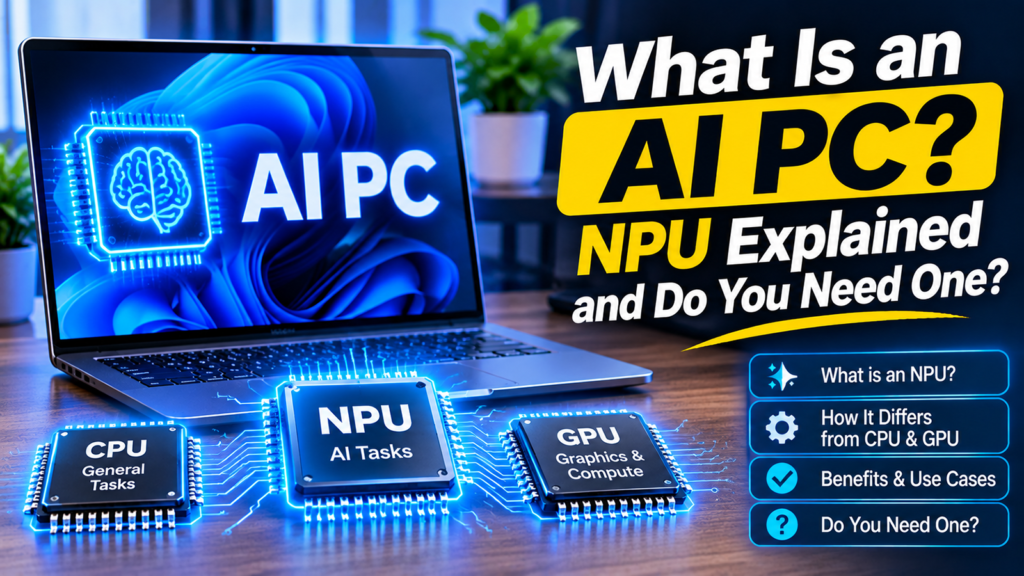
'AI PC' is a label you see on many new laptops and desktops. It usually means the computer has a built-in neural processing unit (NPU), a chip made for AI tasks. Whether you need one depends on how you use your PC. This guide explains the term without the marketing.
What is an NPU?
An NPU is a processor designed to run the maths behind AI models efficiently and with low power use. It works alongside the CPU and GPU:
- CPU: the general-purpose processor that runs Windows and most programs.
- GPU: the graphics processor, very good at running many calculations at once. It is also the main chip for large local AI models and for games.
- NPU: a chip focused on AI tasks that can run for a long time without draining the battery.
What can an NPU do?
NPUs are mainly used for light, always-on AI features:
- Background blur and eye contact effects in video calls
- Noise removal in microphone audio
- Live captions and translation
- Some local features in Windows and in apps that support the NPU
The software must be written to use the NPU, so the benefit depends on the apps you use.
What is a Copilot+ PC?
Copilot+ PC is a Microsoft label. According to Microsoft’s published requirements, these PCs need an NPU that can do 40 or more TOPS, plus at least 16 GB of RAM and 256 GB of storage. TOPS means trillions of operations per second, which is a rough measure of NPU speed. Requirements can change, so check Microsoft’s current list before you buy.
Do you need an AI PC?
- Everyday use (web, office, video): not really. A normal modern PC does these well.
- Laptop users who use video calls and AI effects a lot: an NPU can save battery on those features.
- People who run large AI models at home: the GPU and its VRAM matter far more than the NPU. See how much VRAM you need to run AI models.
- Gamers: the GPU still decides game performance. See building a budget gaming rig.
How to check whether your PC has an NPU
- Press Ctrl + Shift + Esc to open Task Manager and open Performance. On PCs with an NPU and a recent version of Windows 11, an NPU entry appears.
- You can also open Device Manager and look for a Neural processors category.
- If you do not see either, check the processor's specification page on the maker's website. The full steps, and what to do when nothing shows up, are in how to check whether your PC has an NPU in Windows.
What to check before you buy
- The actual NPU speed (TOPS), not just the 'AI PC' label.
- RAM: 16 GB or more is a sensible minimum for AI features.
- GPU and VRAM if you plan to run AI models locally.
- Software support: check that the apps you use can actually use the NPU.
- Cooling and battery: read reviews. A laptop that runs hot will slow down. See fix a PC that keeps overheating.
For more help choosing and checking hardware, browse the PC repair guides. If you are thinking of asking an AI chatbot about a PC fault, see whether AI can diagnose computer problems.
FAQ
Is an NPU better than a GPU? They do different jobs. An NPU is efficient for small, constant AI tasks. A GPU is far better for large models and gaming.
Can I add an NPU to an old PC? In most cases, no. It is part of the processor or a built-in chip. A few add-in AI accelerator cards exist, but they are not the same as the NPU in an AI PC and most apps cannot use them.
Will an AI PC make my PC faster at everything? No. It helps with specific AI features, not general speed.